Lost Radar while exploring the new islets
The September 28 Islet Update changes island spacing. A co-op group reports losing its Radar while exploring the new small islands and being unable to find a familiar return route. Replies do not supply a confirmed recovery. The author’s impression of an endless map is not a verified world-generation rule.
Before exploring, record a known destination, the current campaign objective and a return landmark; keep track of who carries the Radar. If it disappears, compare host and guest inventories and nearby dropped items before moving farther away. Preserve the save before a reload test. The historical Piranha-shop replacement below is a reported location, not a teleport, universal stock guarantee or proof that every new islet sells a Radar.
The Lucky Bone report also mentions a new X among rocks. The older 1.0.10 removal concerned the last-death X; it does not prove that every X in 1.1.0 has been removed or shares one meaning.
Use this recovery order
- Confirm that the route—not only the tool—is missing. Open the current objective and make sure the previous boss trophy was handed to the correct NPC. A Radar cannot show coordinates that the quest has not unlocked.
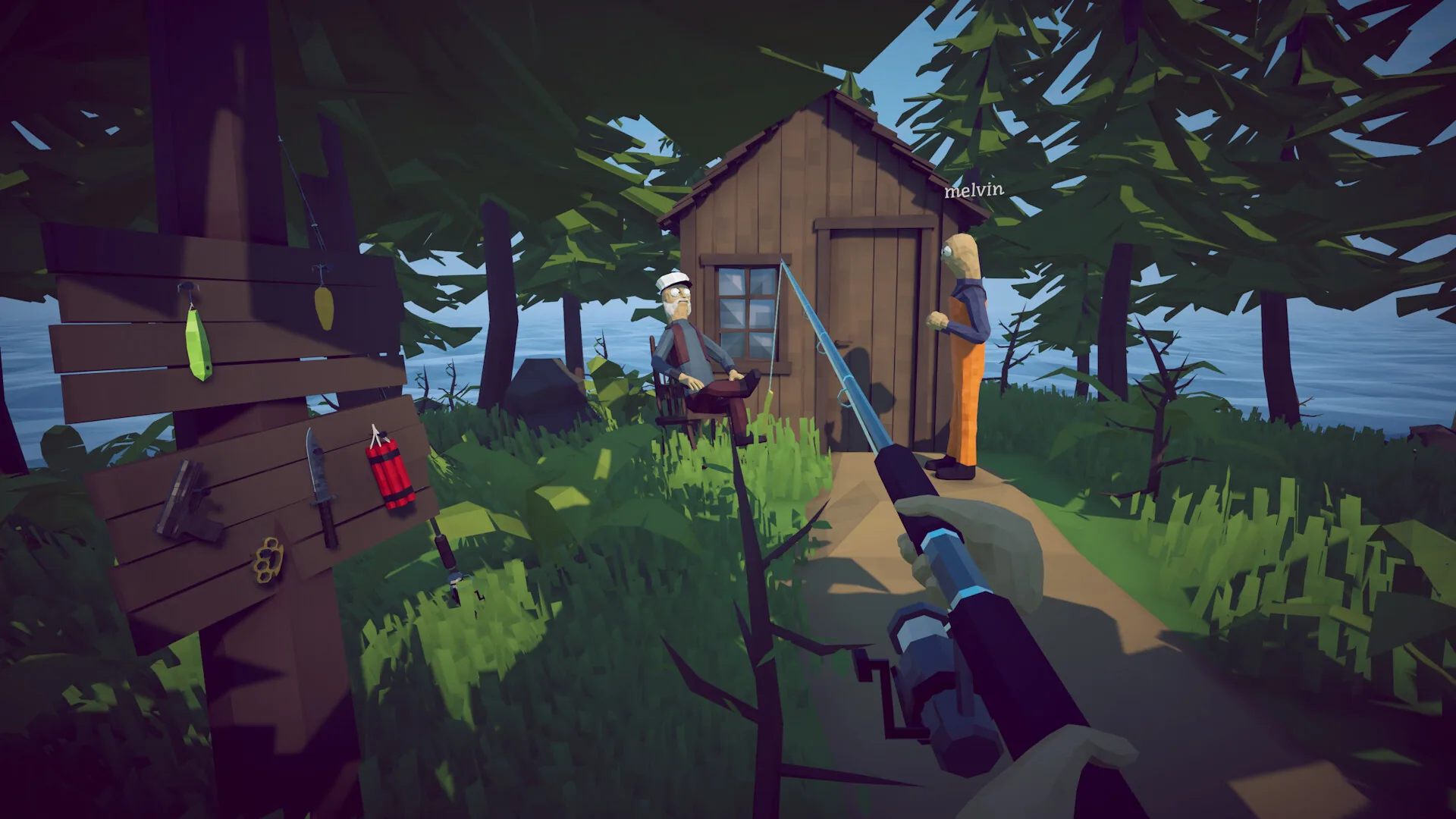
- Check the shop signs on the Piranha island. Two August 24 community replies describe a Radar on the ground leaning against a shop post beneath the signs. It can be easy to overlook when looking only at the main display.
- Read the item name and displayed price. If a replacement Radar is offered, check that you can afford it and test its display after buying. The thread does not give a replacement price; $10 refers to the original Lighthouse purchase.
- Save through the game menu. Patch 1.0.6 says the game writes when Save, Main Menu or Quit is pressed and also autosaves every minute. Use an explicit in-game action instead of force-closing.
- Stop if the listing is absent. Repeated purchases, random item drops or a new boss fight are not supported fixes. Record the session state and report the missing item.
Where the Radar comes from
Current progression and upgrade walkthroughs place the first Radar purchase with the Lighthouse Keeper after the opening Spider Crab route. The documented price is $10. Its job is navigation: it helps you follow coordinates between islands after the relevant quest giver has opened that route.
| What you see | Most useful next check | What not to assume |
|---|---|---|
| Radar is gone, but the shop still lists it | Check the displayed replacement price, buy if suitable, then save in-game | That every missing item will be restored the same way |
| Radar is present, but no new destination appears | Return the current boss trophy to its quest giver | That buying another Radar unlocks campaign progress |
| Radar and shop listing are both absent | Preserve the session details and report the issue | That dropping other tools or dying will force a respawn |
Why did the X marker disappear?
Patch 1.0.10 intentionally removes the Radar’s X marker. Dazed Games explains that the X showed the position where the player last died, but players could mistake it for a quest, item or island destination.
This change does not mean the entire Radar item is missing. If the handheld Radar, its normal navigation display or the shop listing is absent, continue with the recovery branches on this page.
If the Radar is not available to buy
If no Radar is offered beneath the Piranha-island shop signs, preserve the game version, solo or co-op state, island and last completed hand-in. Record whether the tool vanished after loading or while sailing, and whether the current shop offers a replacement. The thread also contains a September 2 sailing-loss report without a confirmed recovery.
If you are in co-op, also note which player originally purchased or held the Radar and who owns the session. Do not move every remaining quest item between players while diagnosing the problem; that makes the original state harder to describe.
Protect the save while testing
Official Patch 1.0.6 changed the save flow. The game no longer writes a new save when the application crashes; it writes when the player uses Save, Main Menu or Quit, and it still autosaves once per minute. If the Radar is visible again, press Save before leaving. If it is still missing, understand that another save records the current state—it does not promise a rollback.
Checking installed game files through Steam can repair damaged program files, but it does not recreate an item that is absent from save data. Keep file repair and save recovery as separate problems.
Missing Radar FAQ
Can you buy the Radar again?
Players reported a replacement leaning against a shop post beneath the signs on the Piranha island. Check the item and price there; those replies do not establish its cost or guarantee availability in every save.
Does the Radar unlock islands?
No. The campaign advances through local requests, boss kills and trophy hand-ins. The Radar displays navigation for routes you have already unlocked.
Was the old X the next island?
No. It marked the last death position. Patch 1.0.10 removes it, so use the active objective and the route marker granted by the latest boss hand-in.
Should I start a new save?
Not as the first response. Check beneath the shop signs, confirm the last hand-in and preserve the save first. Starting over is a large loss and there is no evidence that it is required for every missing-Radar case.
Sources used on this page
- How to Fish community discussions Steam Community · accessed 2026-09-05 · current player questions, Patch 1.0.12 Steam Cloud status questions, post-1.0.12 Piranha difficulty reports, inverted-audio report, Patch 1.0.11 Spider Crab flying reports and hotfix claim, Pufferfish kill without head or coordinates, Patch 1.0.10 uncook demand, boat missing after loading, Spider Crab Reel duplicates, Drip Voxelfish completion blockers, Bing Bong and Coconut, shared multiplayer money, boss escape questions, Bean speedrun demand, competitive speedrun demand, save loading failures, post-1.0.10 missing-item reports, weapon storage questions, unconfirmed Sniper Rifle nerf question, invite failures, high GPU and FPS-cap reports, mouse-movement stutter, fish not biting, audio duplication and distortion, Unity 6000.4.4f1 launch crashes, 0x11C7 launch-block reports, boat items after reload, missing equipment reports, weapon skin questions, second-island questions, lost Radar reports, drip creature questions, cooked fishing rod reports, boss difficulty, multiplayer issues
- How to Fish official announcements Dazed Games / Steam Community · accessed 2026-09-08 · current official feed through Patch 1.0.12, Patch 1.0.12 Steam Cloud, Patch 1.0.12 Piranha and Tuna balance, Patch 1.0.12 item velocity, MetaVoice, lobby FPS cap, Radio and final-boss fixes, Patch 1.0.11 Steam Deck Verified and GeForce NOW, Patch 1.0.11 save corruption checks and backups, Patch 1.0.11 controls, explosives, attachments and fixes, Patch 1.0.10 cooked gear cleaning, Patch 1.0.10 ground-item persistence, Patch 1.0.10 Anglerfish, roulette, connection, Radar and item-position changes, Patch 1.0.9 difficulty settings, Patch 1.0.9 Steam relay debug, Patch 1.0.9 attempted save fix, Patch 1.0.8, Patch 1.0.6 save behavior, Patch 1.0.5 lobby options, Patch 1.0.5 4K slot-machine skin fix, Patch 1.0.4 multiplayer fixes
- FANART & PATCH 1.0.10 — official How to Fish announcement Dazed Games / Steam Community · accessed 2026-09-01 · Patch 1.0.10, water cleans cooked weapons and tools, 64 saved ground items and priority order, Anglerfish nerf, roulette fixes, connection timeout increase, Radar X removal, attempted item-position fixes
- How to Fish: Full Island and Boss Progression Walkthrough AllThings.How · accessed 2026-08-24 · five-island route, three-leech objective, boss trophy hand-ins, Radar purchase
- How to Fish: The Upgrades and Weapons Worth Buying First AllThings.How · accessed 2026-08-24 · Radar price, early purchases, weapon priorities
- The Islet Update 1.1.0 Dazed Games / Steam · accessed 2026-09-29 · First content update published September 28, 2026, New mini islands, weapon, creatures, mini-boss, bait, NPC, outfit and achievements, Island spacing and sound-effect volume adjustments; no numerical drop rates or named bug fixes
- Lucky Bone (Ossinho da sorte) Steam Community · accessed 2026-09-29 · Player question about euro-priced bone, Community reply: islet fish and money in a bottle give euros rather than dollars, Bow and wishbone spending reported; no independently verified luck percentage
- Radar lost while exploring new islets Steam Community · accessed 2026-09-29 · Co-op group reports missing radar and becoming lost among similar-looking islets, No verified map topology or universal recovery in replies